Modals are now draggable and resizable
August 15, 2026
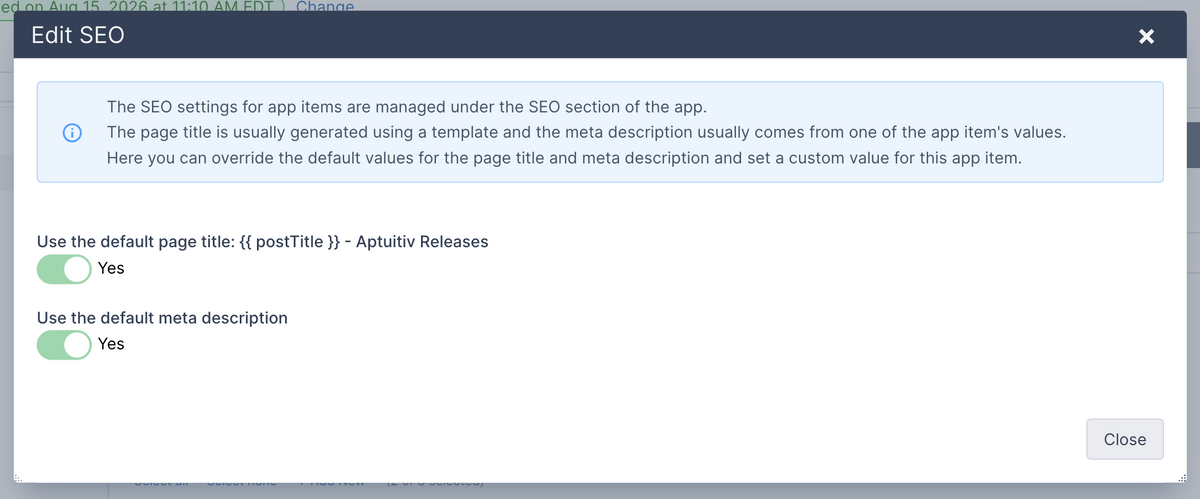
Modals, also knows as "pop ups" are used a lot in our CMS software for showing additional fields and content to update. Previously they displayed centered on the page and you couldn't change that.
Now you can drag modals around on the page by clicking the dark title bar at the top and moving your mouse around. (You can also hold down Option+Shift and use the arrows to move it around.) If the same modal is reopened then it will remember it's last position.
You can also resize modals by dragging on the left, right or bottom edges. Or drag from the bottom-right or bottom-left corners.
This is a small update, but really useful if the modal is covering up something you need to reference while working in the modal.