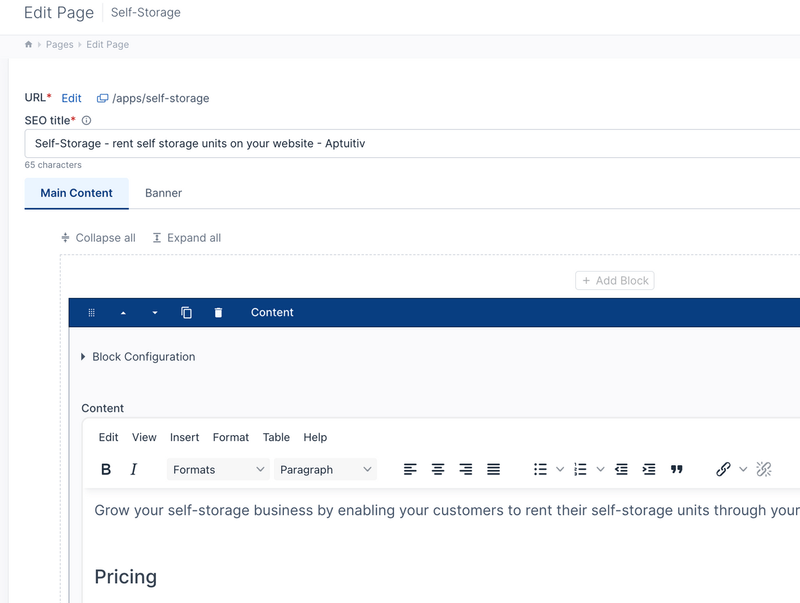
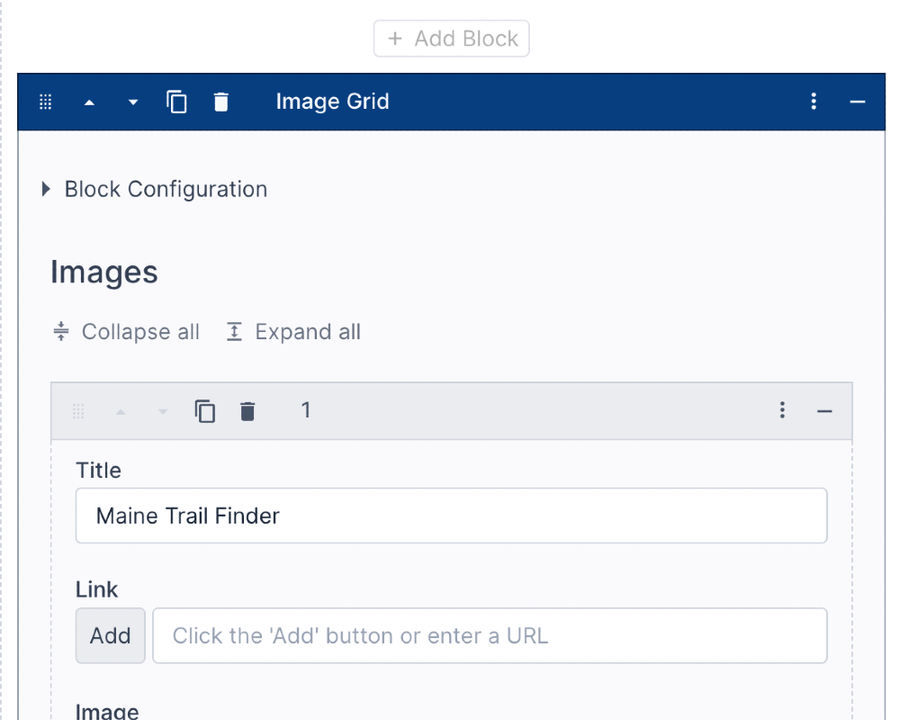
Block editor
Blocks are used to manage content, providing maximum customization and flexibility.
They make it easier to add content that doesn't fit into a simple editor.
- Create custom blocks for your content needs.
- Drag and drop blocks to reorder.
- Copy, minimize, and rename blocks.
Create block configuration fields when you need fields that are hidden until needed. Useful for configuring margins, styles, or custom block settings.
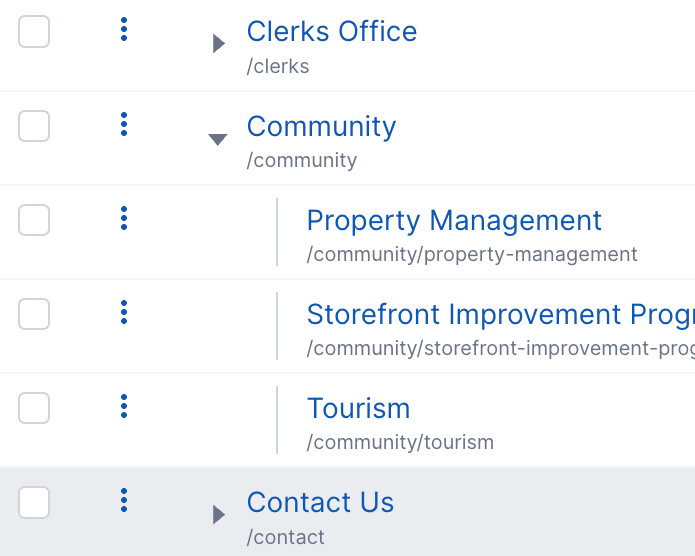
Organize pages the way you need to
Aptuitiv is all about flexibility, so you should be able to organize pages in the hierarchy that you need.
If you want all pages to be top-level under the home page, go ahead.
Or if you want to organize pages as sub-pages, you can do that too.
The hierarchy of pages sets the page URL, and you're in control.
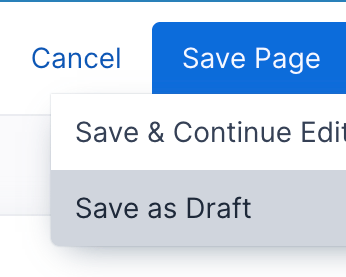
Save as a draft
Preview your changes without publishing them by saving as a draft.
When you save as a draft, you'll get a unique URL to preview updates without affecting the live page. Share the URL with your team and publish when you're ready.
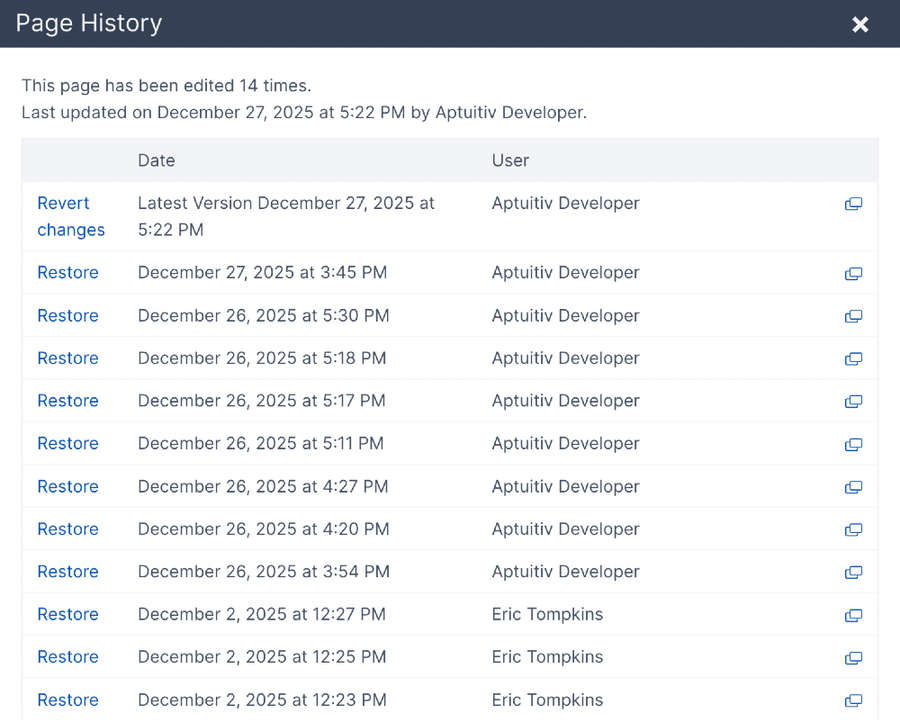
Page history
View the edit history for pages. Preview the published page for each version. Roll back to a version if desired.
You can even undo unsaved changes by reverting to the last saved version of the page.
App content
Pages and app content (like blogs or store products) are separated by design so that it's easier to find your content. Go to the Blog app for all blog posts, the Store app for all products, and Pages to edit your regular page content.
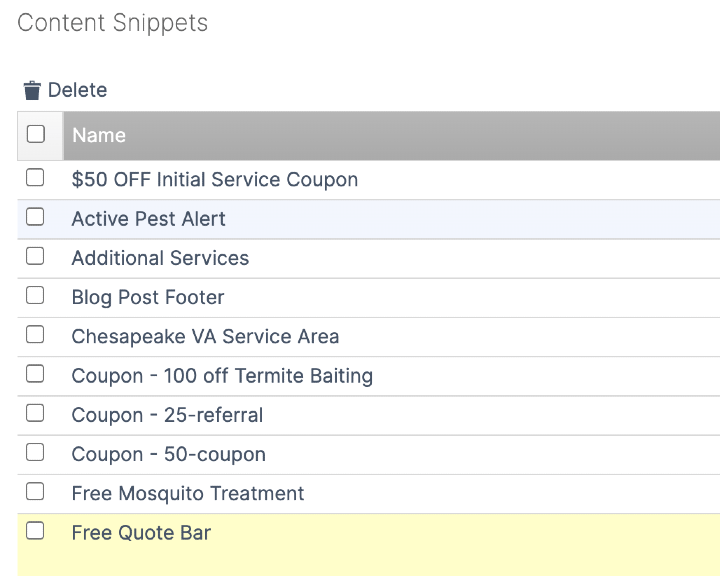
Content snippets
Share content between pages or templates with Content Snippets.
Use the same Blocks as pages for maximum flexibility.
Save the Content Snippet, and all pages using it are updated at once.
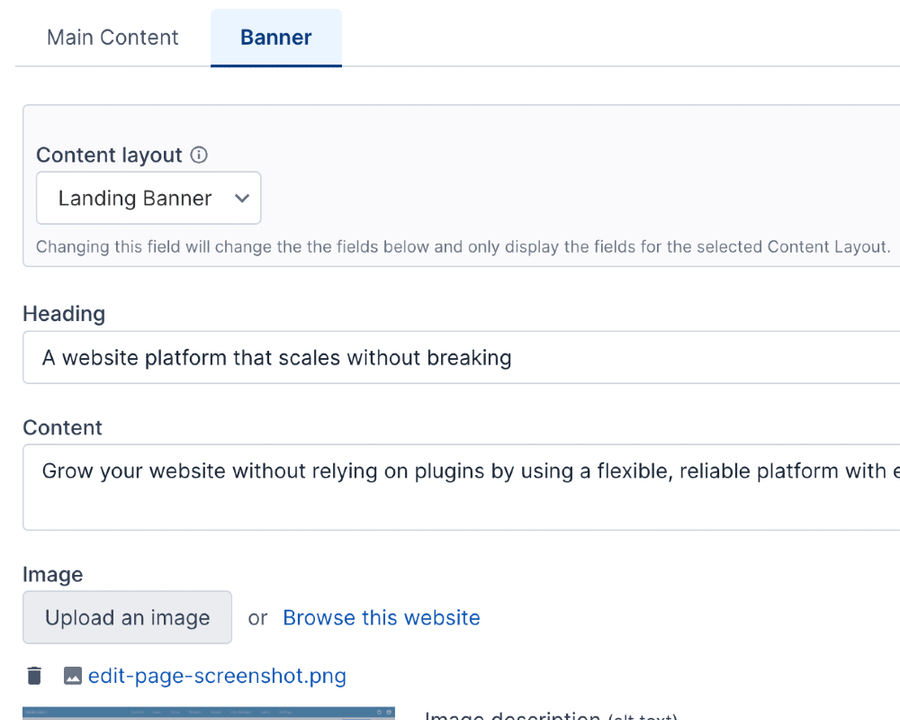
Content layouts
If you need more structure for your pages, use Content Layouts. They allow you to have more control over what content is entered in specific areas of a page.
- Create custom fields for only the content you need.
- Output the content to match your design with a unique template for each Content Layout.
- Configure a Content Layout to be available only in the specified editable areas of the page.
Widgets
There are two types of Widgets:
- Collection Widgets that hold a "collection" of content
- Feed reader widgets that pull in content from external RSS feeds.
Collection Widgets are used for image slideshows, testimonials, custom popups, notification banners, and more.
Create custom fields and have full control over the output with templates specific to the collection widget.