Customization is a core feature
We don't believe in cookie-cutter websites. With some CMS's you sacrifice uniqueness for simplicity. While this works fine for some websites, it doesn't work well for most.
We believe you should be able to:
- Fully customize the HTML, CSS, and JavaScript for your website.
- Create the templates that you need with the code that you need.
- Have full creative control over the design of the website.
- Create custom blocks designed for your content on your website.
- Customize the fields in the administration where you edit content.
- Use the theme editor for settings that are unique to your website.
- Organize the website navigation how you want.
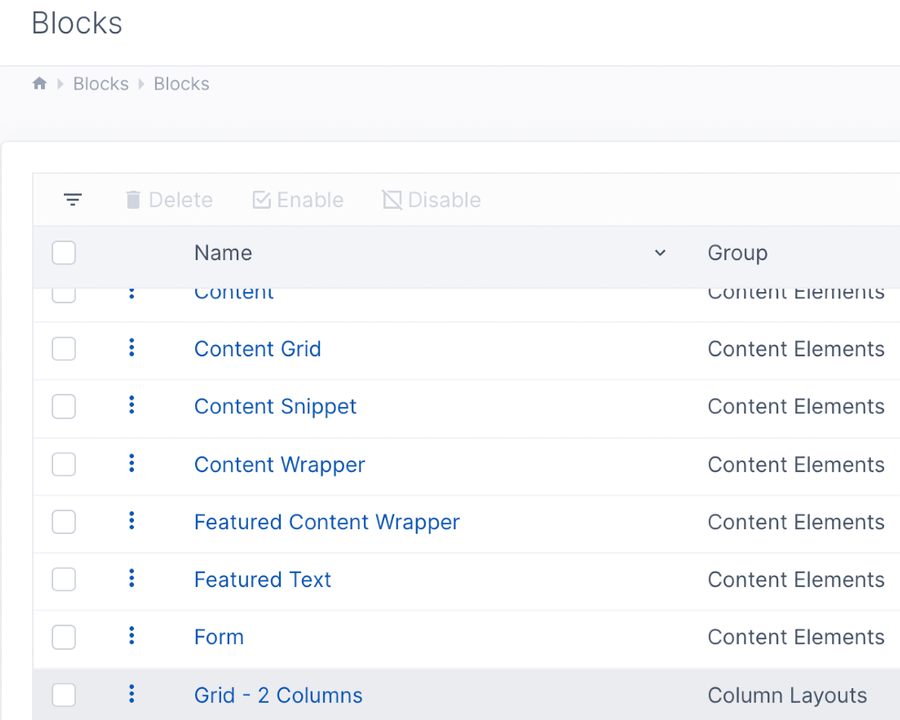
Custom blocks for content
Aptuitiv comes with some built-in blocks for editing content. But no two websites are the same and websites have different content needs. Easily create custom blocks for your content.
You have full control over the fields in the block and your template code. Choose from over 45 different field types.
Custom design
Your designers and developers have full design control over the entire website.
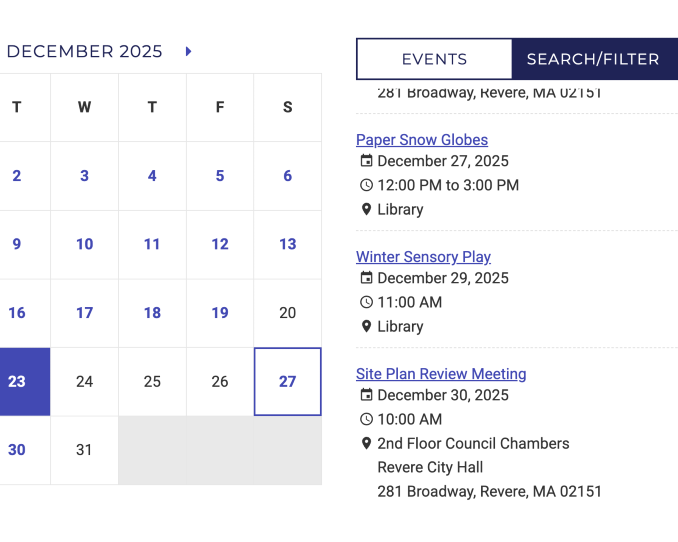
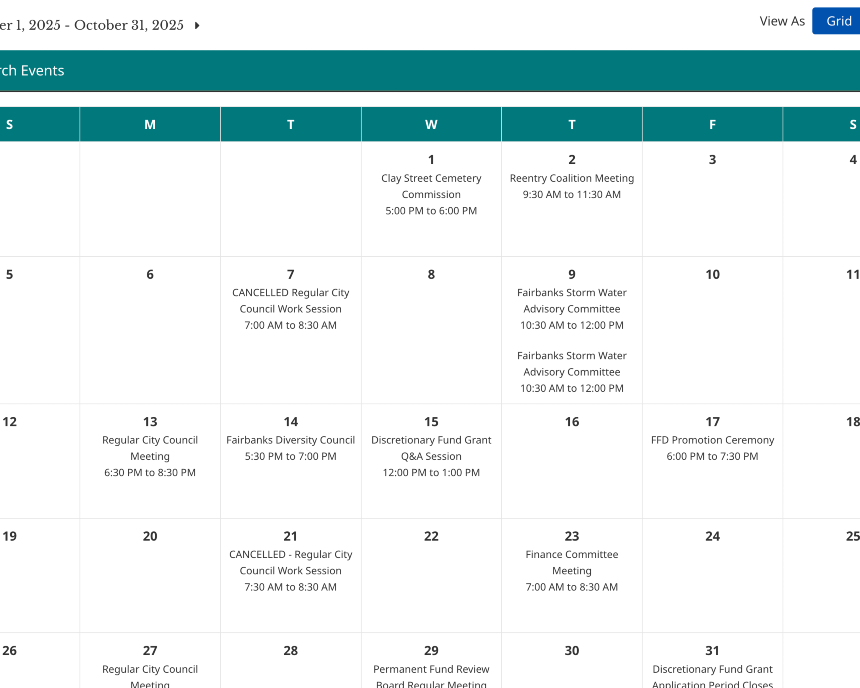
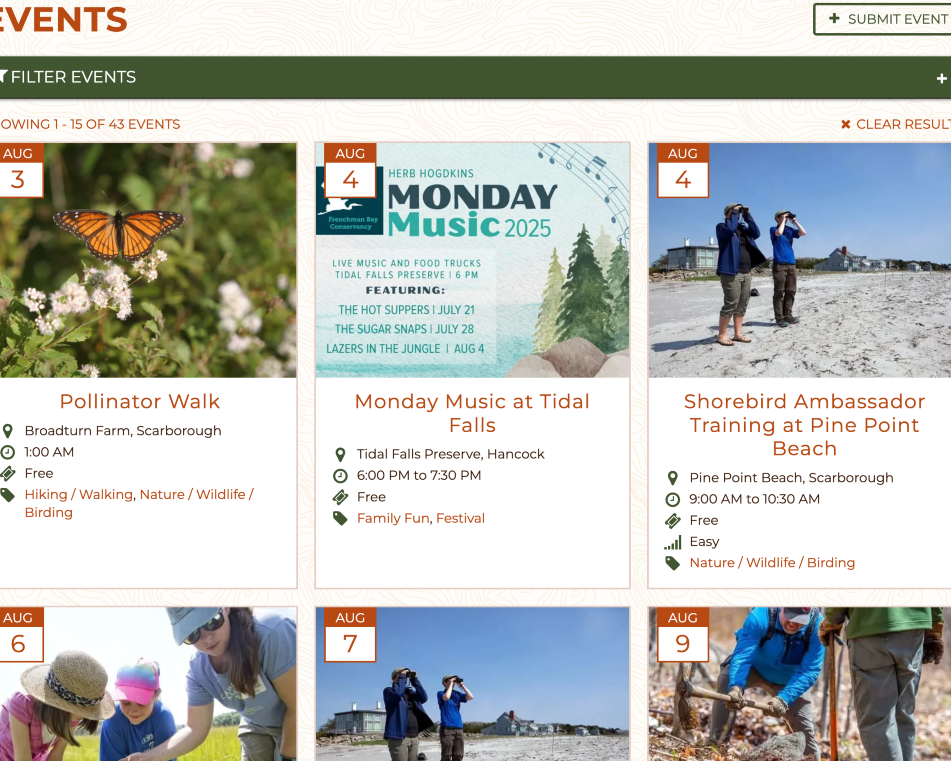
Below is a small example of three different designs of our calendar app. This shows how you can take the same event content and display it in to best suit your website and design.
Full code customization
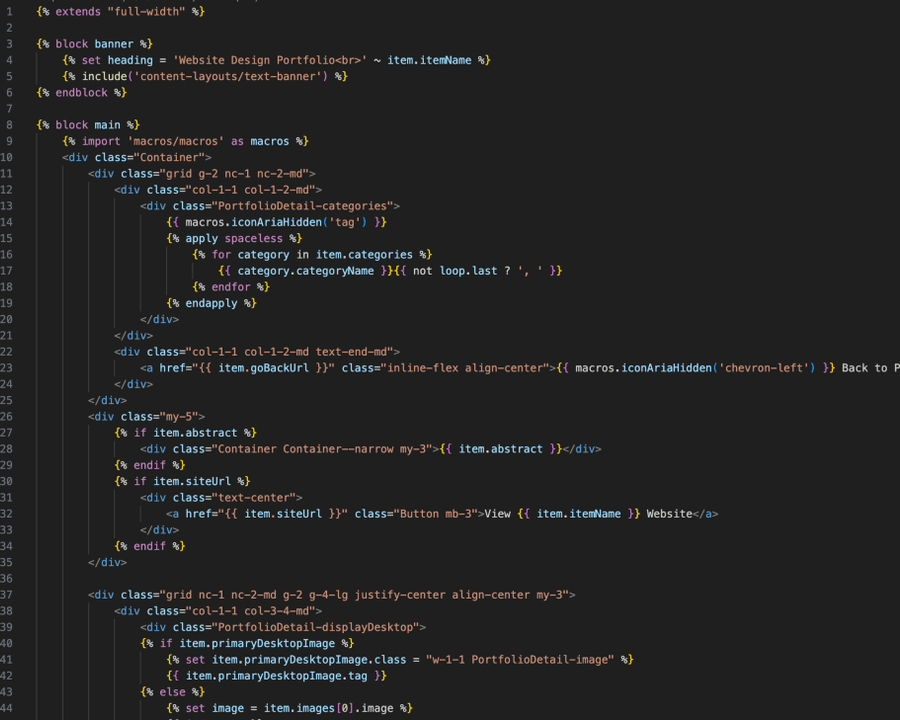
To create custom designs, you need custom code.
Bring your own HTML, CSS, and JavaScript. Aptuitiv doesn't force you to use a specific library or code style.
Nearly everything has its own templates. For example, site templates, snippets, blocks, navigation, forms, widgets, app pages, and even breadcrumbs.
Templates are powered by Twig, a templating language that lets you add custom logic to your templates and layouts. We've customized Twig quite a bit to add unique templating code for Aptuitiv.
Edit the code in the administration, or edit files locally and upload with FTP.
And if we build your website, know that you can bring in other developers to work on the website if you want.
Customize your website's navigation
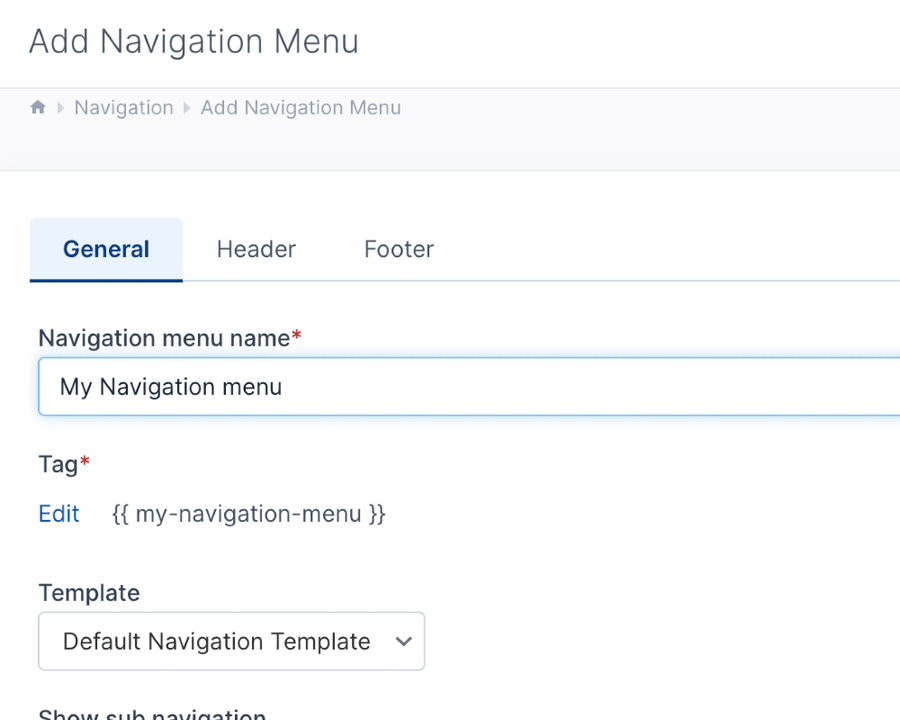
Create the navigation menus that your website needs instead of fighting the structure your CMS makes.
You can create unlimited navigation menus and organize the navigation items how it best fits your website architecture.
You can even create custom fields for individual navigation menus that can be used for custom logic in the navigation templates.
Custom theme settings
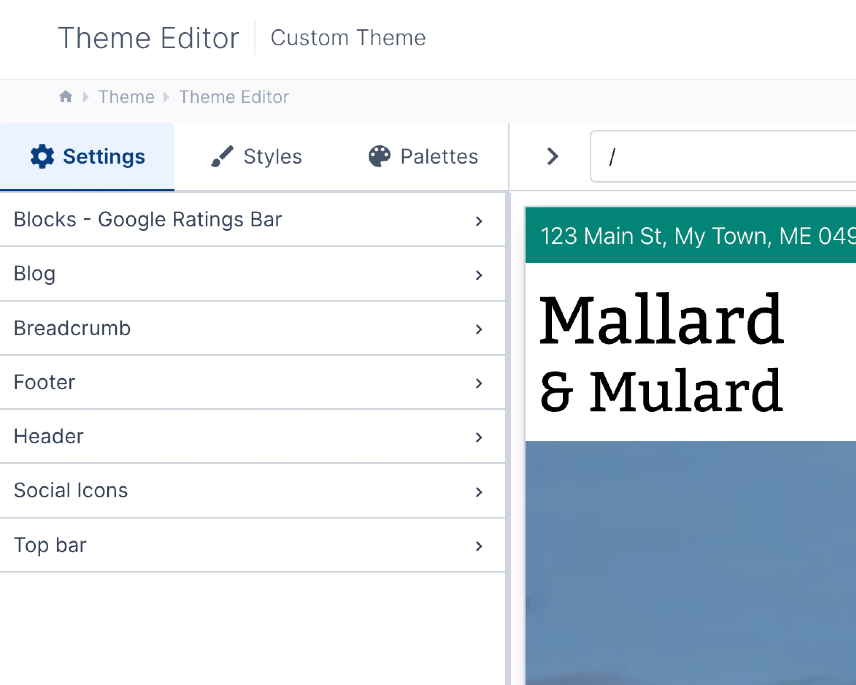
Need some settings that are unique to your website? No problem.
You can create custom settings in the Theme Editor that editors can easily update. With over 45 field types you have plenty of options.
Developers can organize the settings in JSON files and store the configuration in source control.
Insert custom code
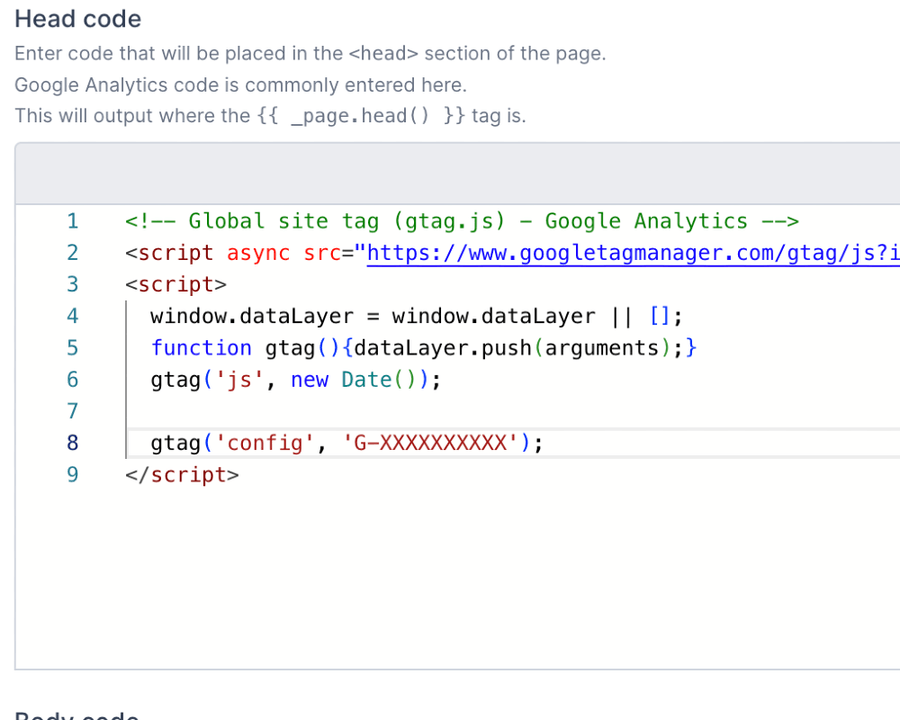
You can easily insert custom code site-wide without editing templates. Useful for analytics, chat widgets, or Google Tag Manager.
Add code to the head, body, or footer of pages. Template developers can control the exact output locations.
Or, you can add custom code to individual pages with editing templates. Add code to the head, body, or footer sections of pages. Include custom JavaScript or CSS on individual pages.
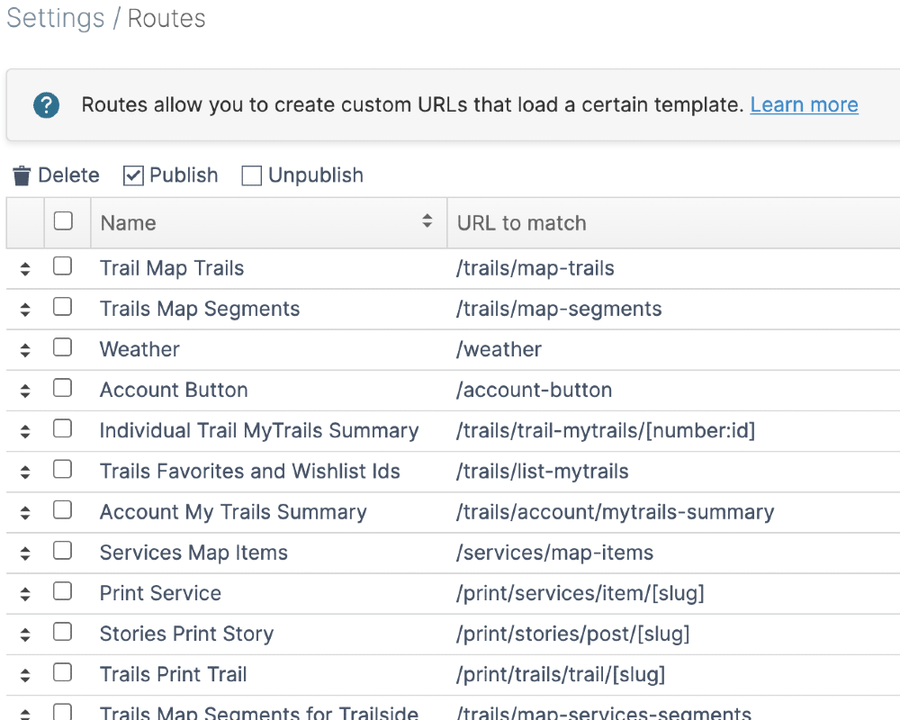
Routes - for advanced customization
Routes let you create templates for custom URL endpoints. They can be used to retrieve content beyond what the app provides, or integrate third-party content into websites.
For example, you can retrieve blog posts as JSON to integrate asyncronously into other pages. Or you could integrate content from a third-party API as full HTML pages in your website.
Get a demo to learn more about how customizable Aptuitiv is.