File Browser
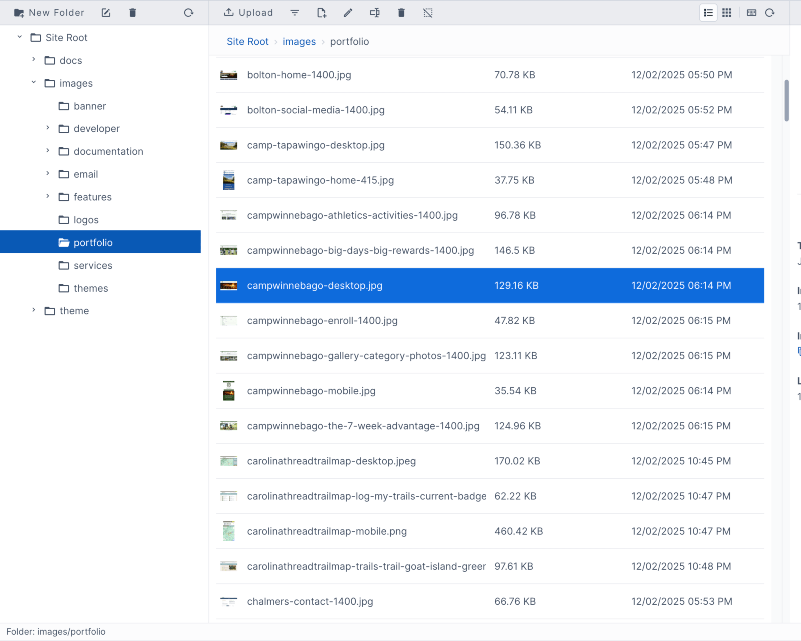
You can view and manage all of the files for your website in the file browser.
- Organize your files in folders.
- Upload one or more files.
- Drag and drop files to upload and reorganize.
- Rename files.
- View files as a list or grid.
- Create and edit text files.
- Edit images.
CDN
Improve file loading and speed with Aptuitiv's built-in CDN.
Files are automatically loaded through the CDN either by code or a single site-wide setting.
Images
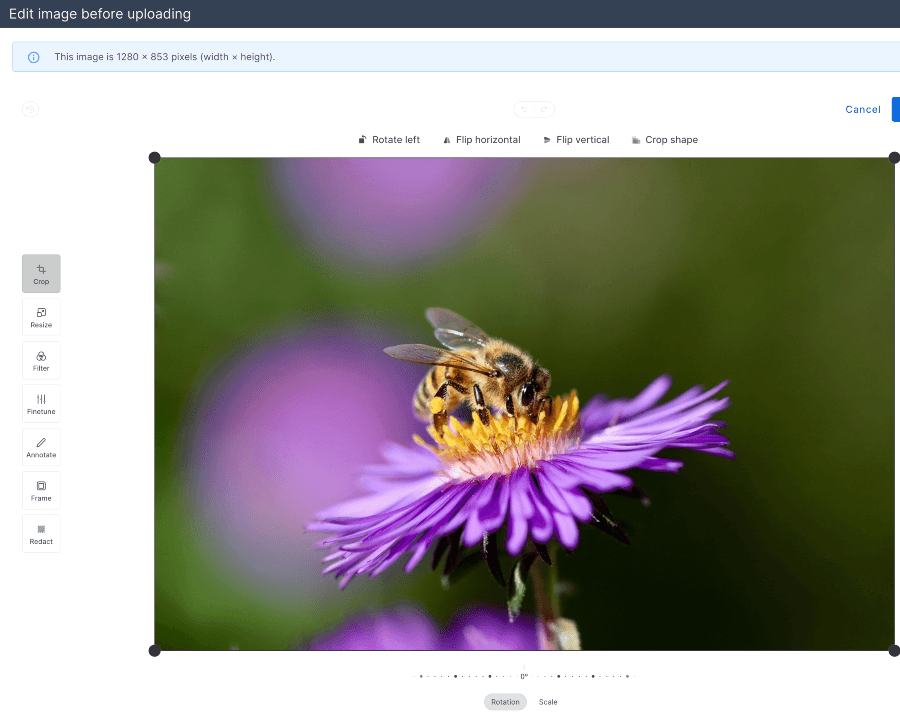
- Easily add images to pages in the rich text editor or with image upload fields.
- Resize or crop images when uploading.
- Filter, annotate, redact, and fine-tune images.
- Drag-and-drop images to upload.
Image pipeline
Crop, resize, and edit images on the fly with Aptuitiv's image pipeline.
Automatically convert JPG and PNG to WebP for better performance.
{# Crop the image and also set it's quality #}
{% do image.crop({h: 100, w: 300, quality: 80}) %}FTP Access
While you can access all files in the file browser, you can also use FTP. Connect to your website with your favorite FTP software to upload and download images, PDFs, templates, and other website files.