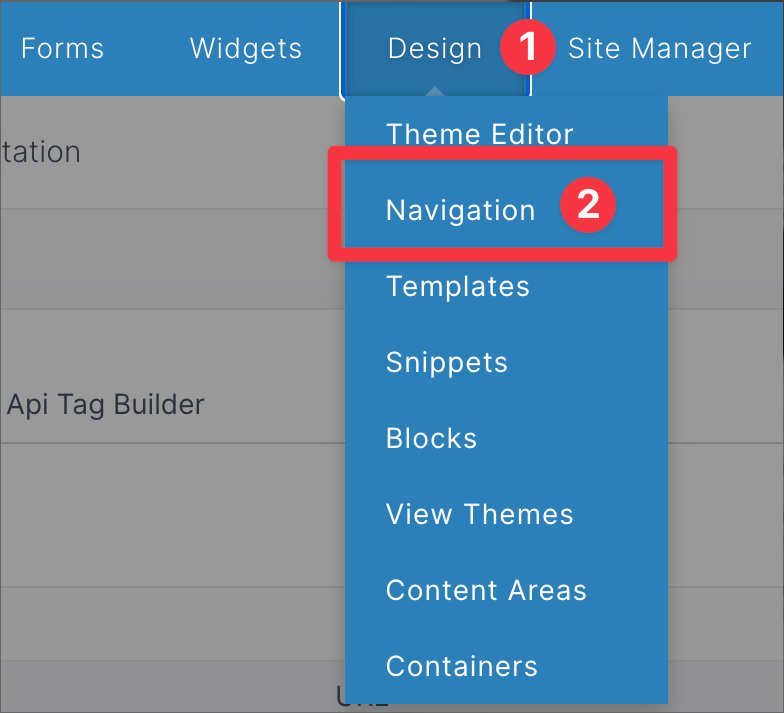
To get to the Navigation Templates, first click Design in the top bar in the administration, then select Navigation.
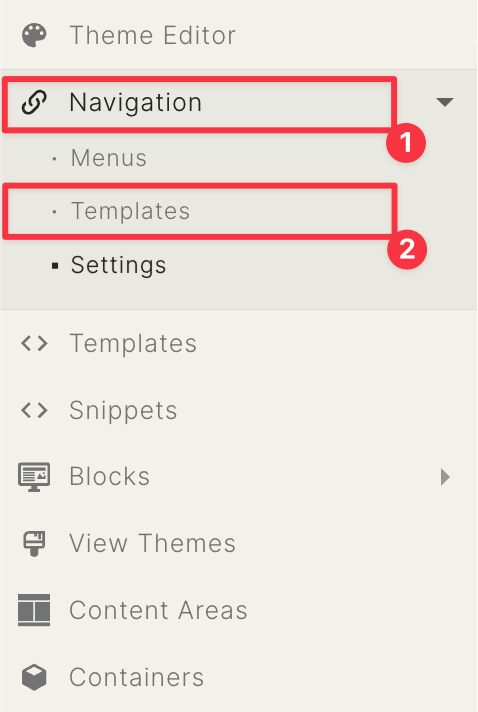
Go to the sidebar located on the left of your page, click Navigation (1), then select Templates (2)
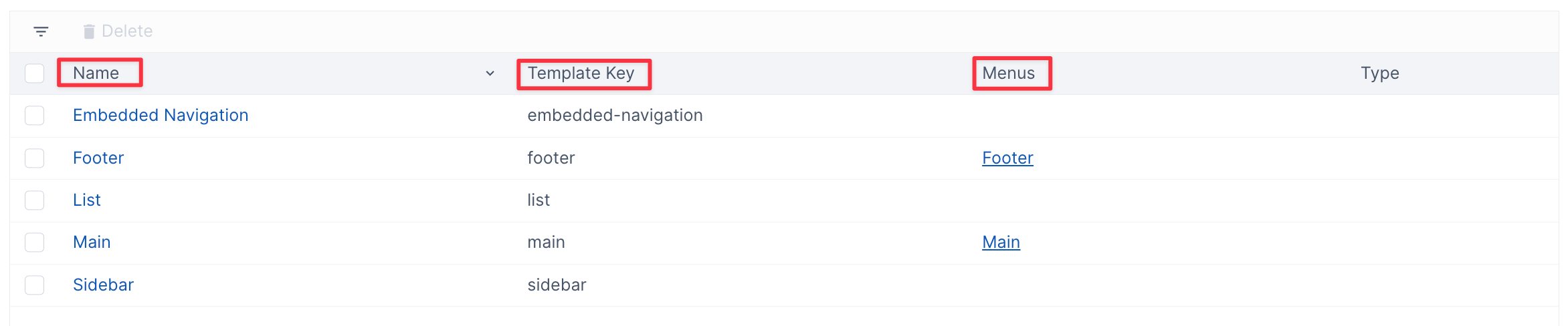
The Fields of Navigation Template
The fields of the Navigation Template can help organize templates and give you information about the template.
- You can organize templates by clicking on Name, this sorts the template's name by a-z, or z-a
- The Template Key is the name of the Navigation Template File
- The Menu tell you if the Template is for a menu
- How to get here
- Description of fields