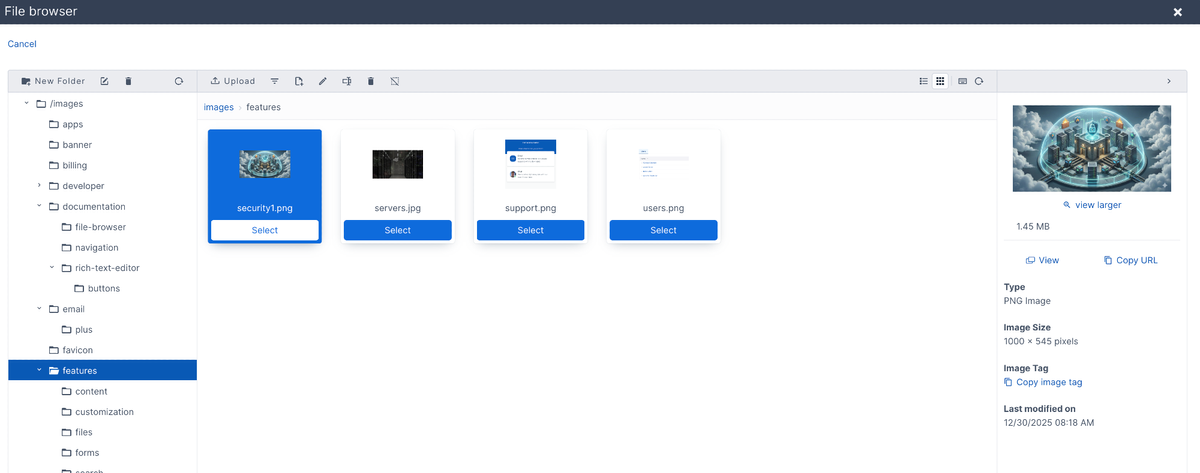
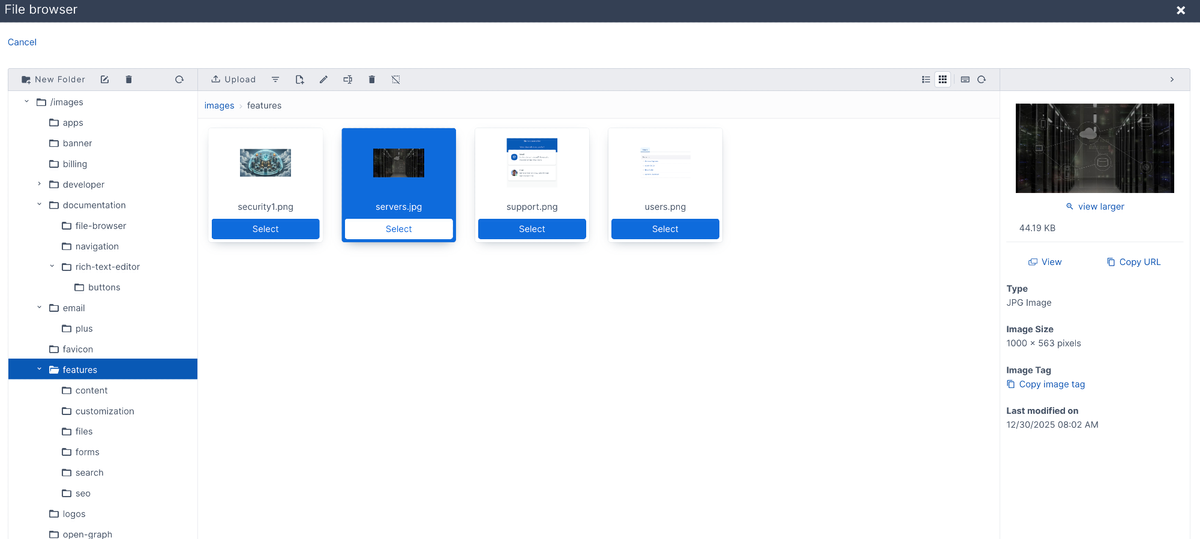
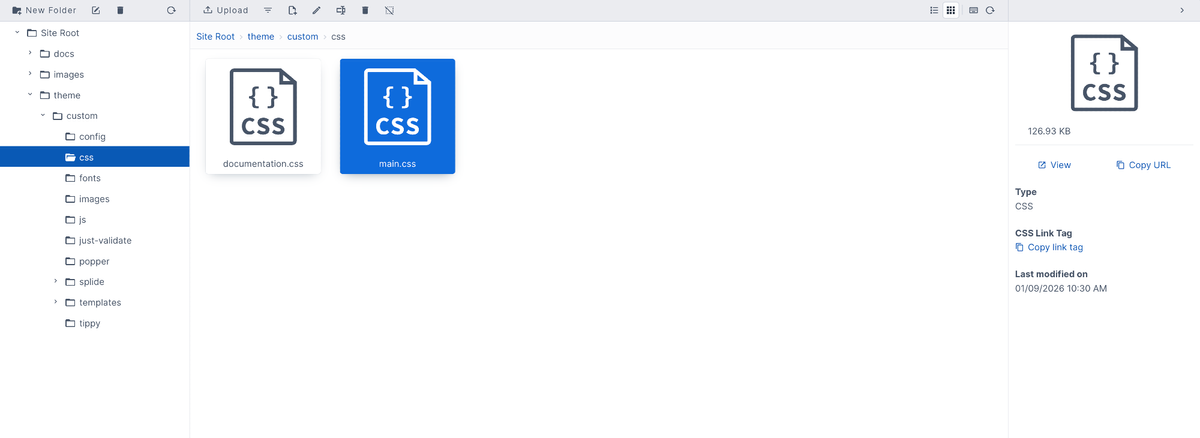
The third panel in the File Browser is the File details pane. This shows a preview of the file, how big it is, the type of file, the script tag, and when it was last modified.

Under the preview of the file, there are the options to "View" and "Copy URL". These will allow you to view the file in full or copy the link to the file.
Some examples of file types are PNG, JPEG, JNG,