Release: May 21, 2026
Added a new tool to help with improving website accessibility.
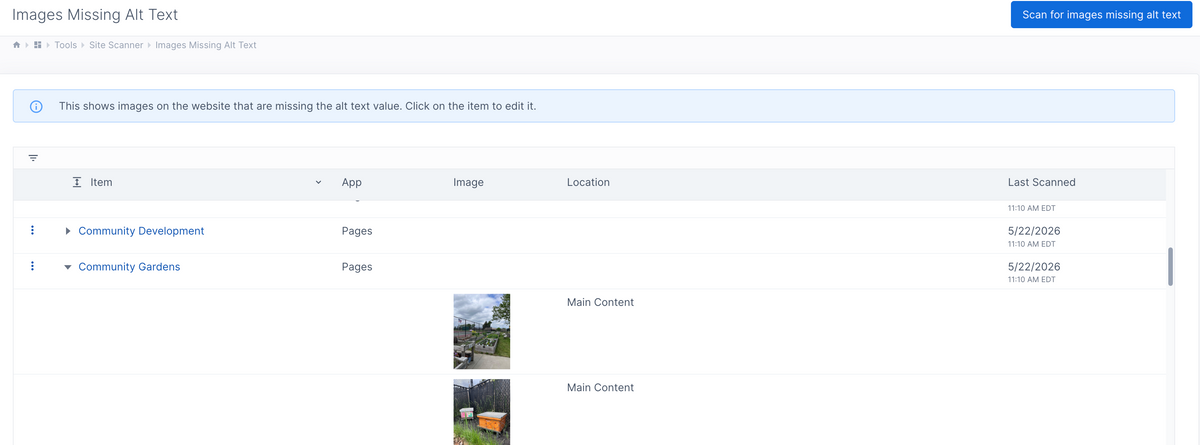
You can now scan the website and find images that are missing the alt text value.
Go to Site Manager -> Tools -> Site Scanner.
This will scan the content stored for each page, app item, content snippet, template, and collection widget and find any images that are missing alt text. If there are any images missing alt text, then they show in a table with a link to the page. You can expand the row to see which images are missing alt text. The images show the general area of the page where they are located.