Release: February 21, 2026
New features for working with file and image upload fields.
Copy the file name, URL, or image content
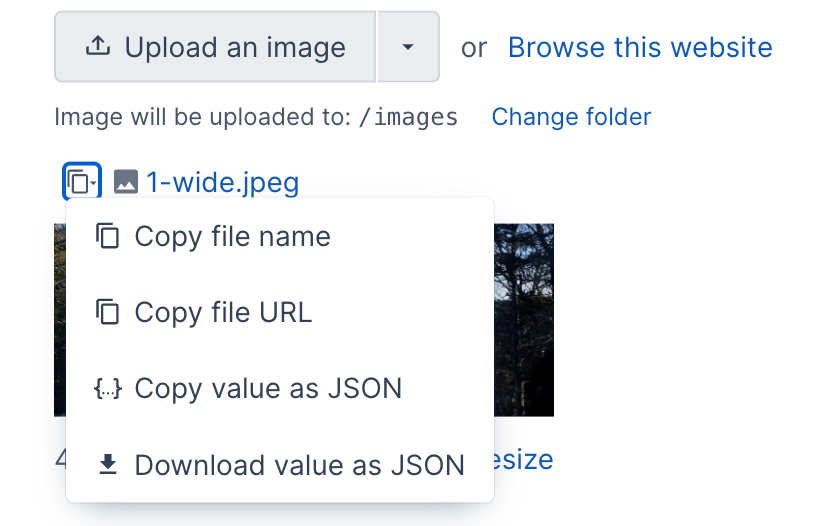
You can now copy the file name or the full URL for a file or image. It will be copied directly to your clipboard.
You can also copy the entire file or the image upload field value, or download the field value as JSON. This makes it easier to reuse or move content to another file or image upload field.
Click the "copy" icon next to the file name, then select the appropriate option in the menu.
Additional options for setting a file or image value
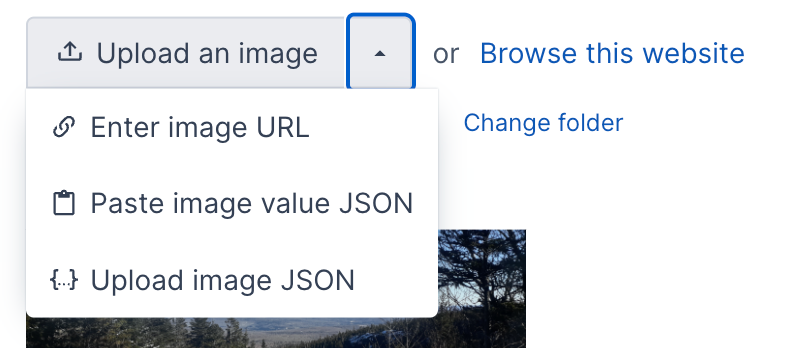
Since you can copy the value for a file or image field, you can also paste that value into another file or image upload field. This makes it really easy to copy or move values to another field. If this is your first time using it, your browser may prompt you to allow access to your computer's clipboard.
If you downloaded the value of another field as JSON, you can also upload the JSON file to set the field value. This would be an alternate method to the copy/paste method.
Enter a URL for a file or image
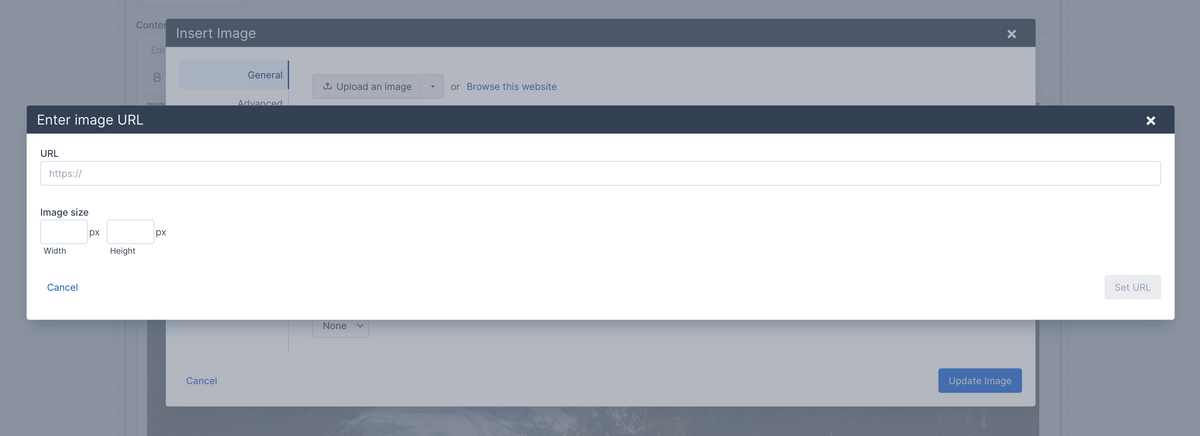
Instead of uploading an image, you can now enter a URL for a file or an image upload field. This enables you to reference content outside of your website or reference an existing website file without using the file browser.
If you are setting an image and the image URL is on the current website, it will automatically fetch the image dimensions. Otherwise, you can enter the image width and height.