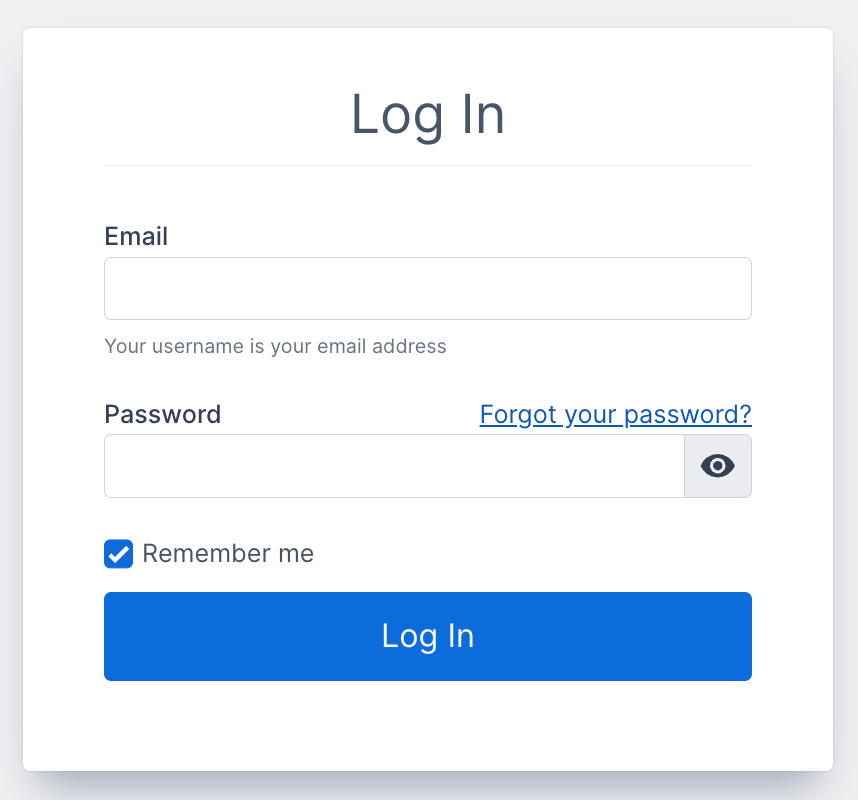
Before you can edit any part of your website, you have to log in. To do this, navigate your web browser to http://www.yourdomain.com/control to bring up the login screen.
Steps:
- Your email address is your username. Enter it into the email field.
- Enter your password. (click on the "eye" icon to see the password you entered)
- If you want the system to keep you logged in after you leave the adminstration or close your browser, click the "Remember me" checkbox. It’s selected by default.
- Click "Login" to login.
If you forgot your password click the "forgot your password" link.
If you have having trouble logging in please contact Support.